


Master Pro Brushes
Learn advanced brush control, texture layering, and dynamic stroke techniques designed specifically for tablet artists.
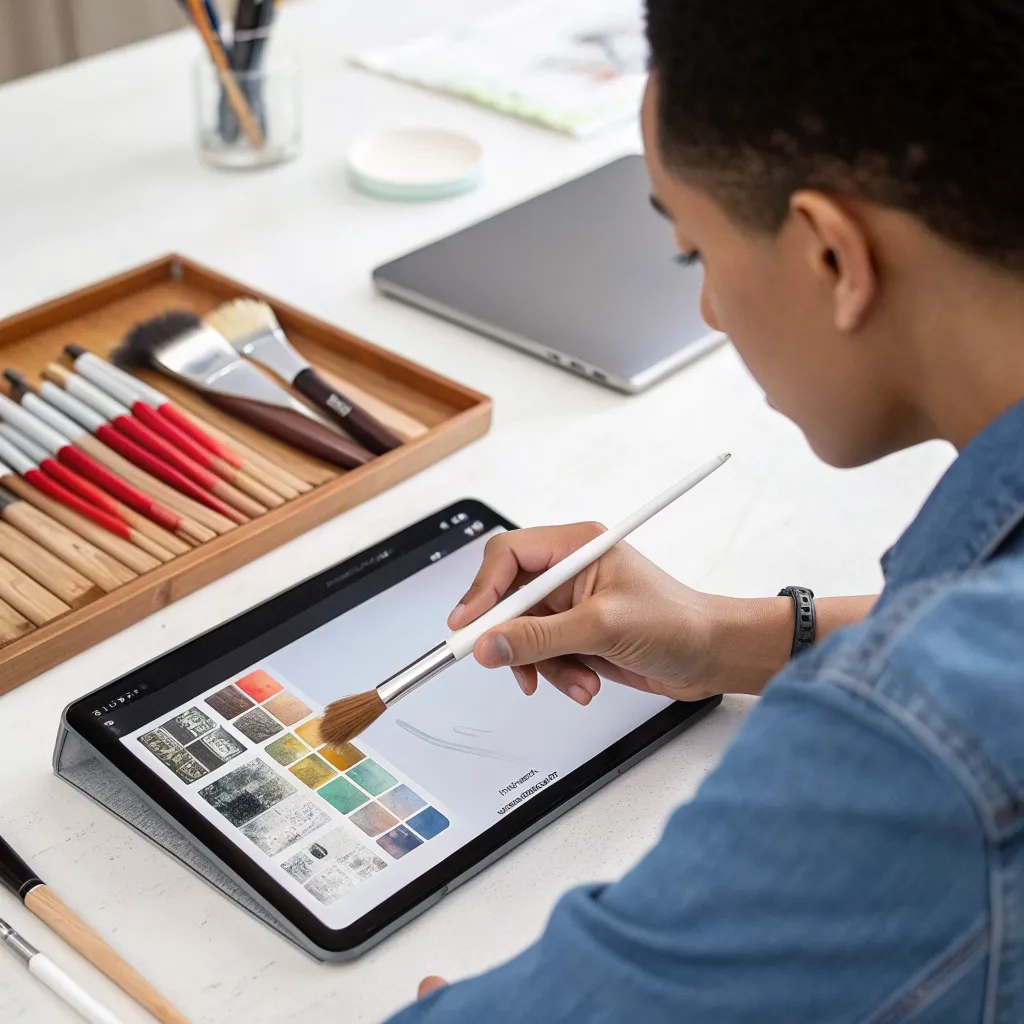

Structured Learning Path
From fundamentals to advanced lighting and storytelling — every lesson builds logically so you gain confidence with every stroke.
About KERALITH
KERALITH is a premier digital painting course built exclusively for tablet artists who want to master modern illustration, concept design, and visual storytelling. We transform creative passion into professional-grade digital artistry through structured mentorship and industry-driven practice.

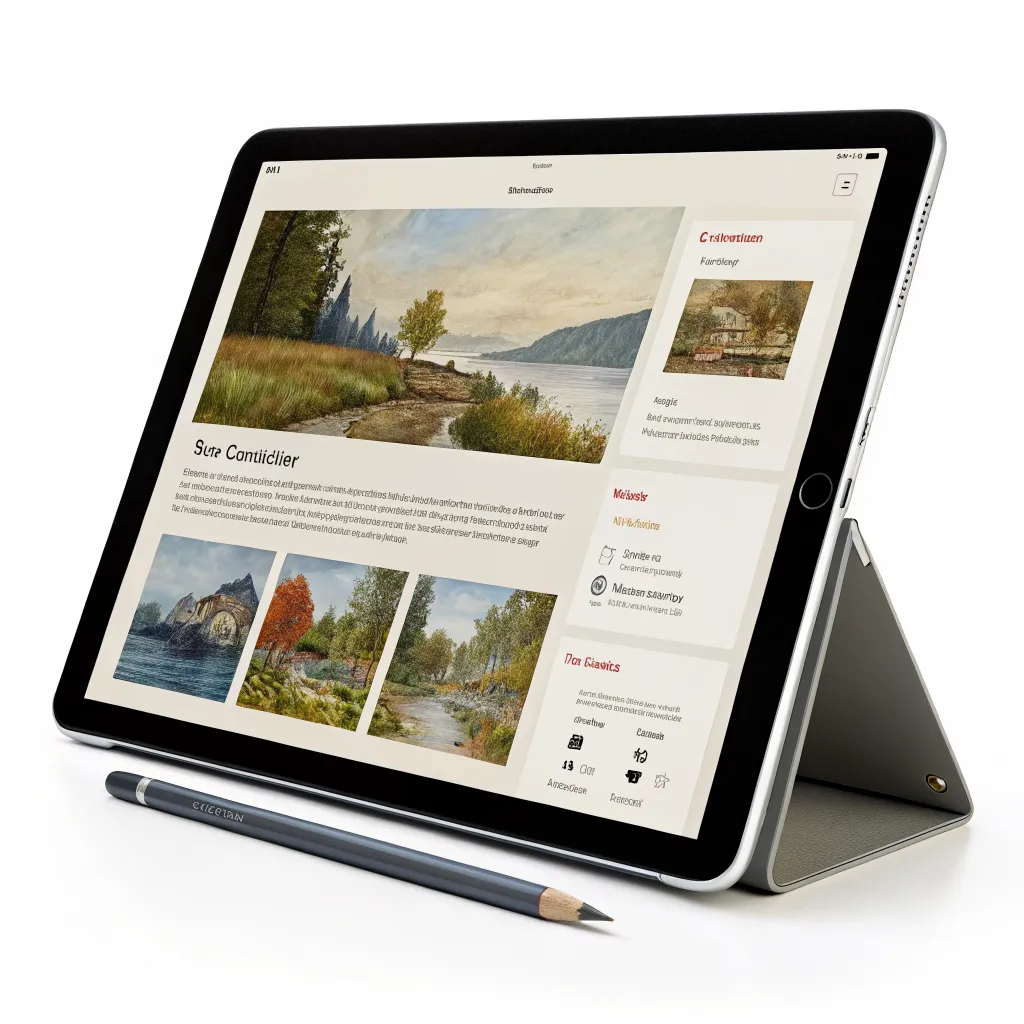



KERALITH Digital Painting Mastery
A curated gallery of professional tablet art courses designed to elevate your creative workflow, refine your brush control, and build a portfolio that stands out.

Brush Foundations
Master pressure sensitivity, stroke control, and dynamic brush techniques for professional tablet illustration.

Color & Light Mastery
Build cinematic depth using advanced blending modes, lighting setups, and tonal composition.

Character Design Pro
Design expressive, market-ready characters with anatomy accuracy and dynamic posing.
Environment Concept Lab
Craft immersive landscapes and sci‑fi worlds with structured perspective systems.
Why KERALITH?
• Live tablet demonstrations
• Downloadable brush packs
• Portfolio critiques
• Lifetime access updates
• Private artist community
What Tablet Artists Are Saying About KERALITH
Real feedback from digital illustrators who transformed their craft, workflow, and confidence through our immersive painting curriculum.

“Before KERALITH, my tablet paintings felt flat and inconsistent. The structured lessons on lighting and texture layering completely changed my workflow. Within two months, I landed three new client commissions. The critiques were detailed, encouraging, and incredibly practical.”

“KERALITH gave me a repeatable painting process instead of random experimentation. The brush mastery module alone elevated my environment concepts to a professional level. Recruiters noticed the difference almost immediately.”

“I struggled with consistent character rendering on my tablet. KERALITH’s anatomy simplification techniques and color harmony sessions helped me create vibrant, cohesive spreads for my latest book project. My publisher was thrilled with the upgrade.”
“It’s more than a course — it’s a professional turning point.”

“The structured assignments inside KERALITH forced me to refine my detailing and shading discipline. My tablet workflow is now twice as fast, and my visual storytelling has matured dramatically. This course is serious training for serious artists.”
KERALITH Digital Painting Course
Everything you need to know about mastering digital painting on your tablet with KERALITH’s structured, professional training program.
What is KERALITH and who is it for?
KERALITH is a structured digital painting course designed specifically for tablet artists using iPad, Android tablets, or pen displays. It’s ideal for beginners building foundations, hobbyists refining technique, and professionals seeking advanced workflow mastery.
What software and devices are supported?
The course supports Procreate, Clip Studio Paint, and Photoshop for tablets. Lessons focus on universal painting principles, so techniques apply across platforms. All you need is a pressure-sensitive stylus and a modern tablet device.
How is the course structured?
KERALITH is divided into 6 progressive modules: Foundations, Light & Color, Texture & Brushes, Composition, Character & Environment Design, and Portfolio Creation. Each module includes guided exercises, project assignments, and critique checkpoints.
Do I receive feedback on my artwork?
Yes. Premium enrollment includes monthly live critique sessions and personalized written feedback on submitted assignments. This ensures measurable improvement and professional-level refinement of your work.
How long do I have access to the course?
Enrollment includes lifetime access to all course materials, including future updates. You can revisit lessons anytime, ensuring continuous skill growth at your own pace.
Will this help me build a professional portfolio?
Absolutely. The final module focuses on developing 5–8 polished portfolio pieces tailored to your niche, whether illustration, concept art, or editorial design. You’ll graduate with a cohesive, presentation-ready body of work.
Reach Out & Start Creating
Whether you're refining your digital brushwork or preparing your first tablet masterpiece, our instructors are ready to guide you. Connect with us today and take the next confident step in your digital painting journey.
Course Support
Have questions about enrollment, tablet compatibility, or advanced modules? Our team replies within one business day.